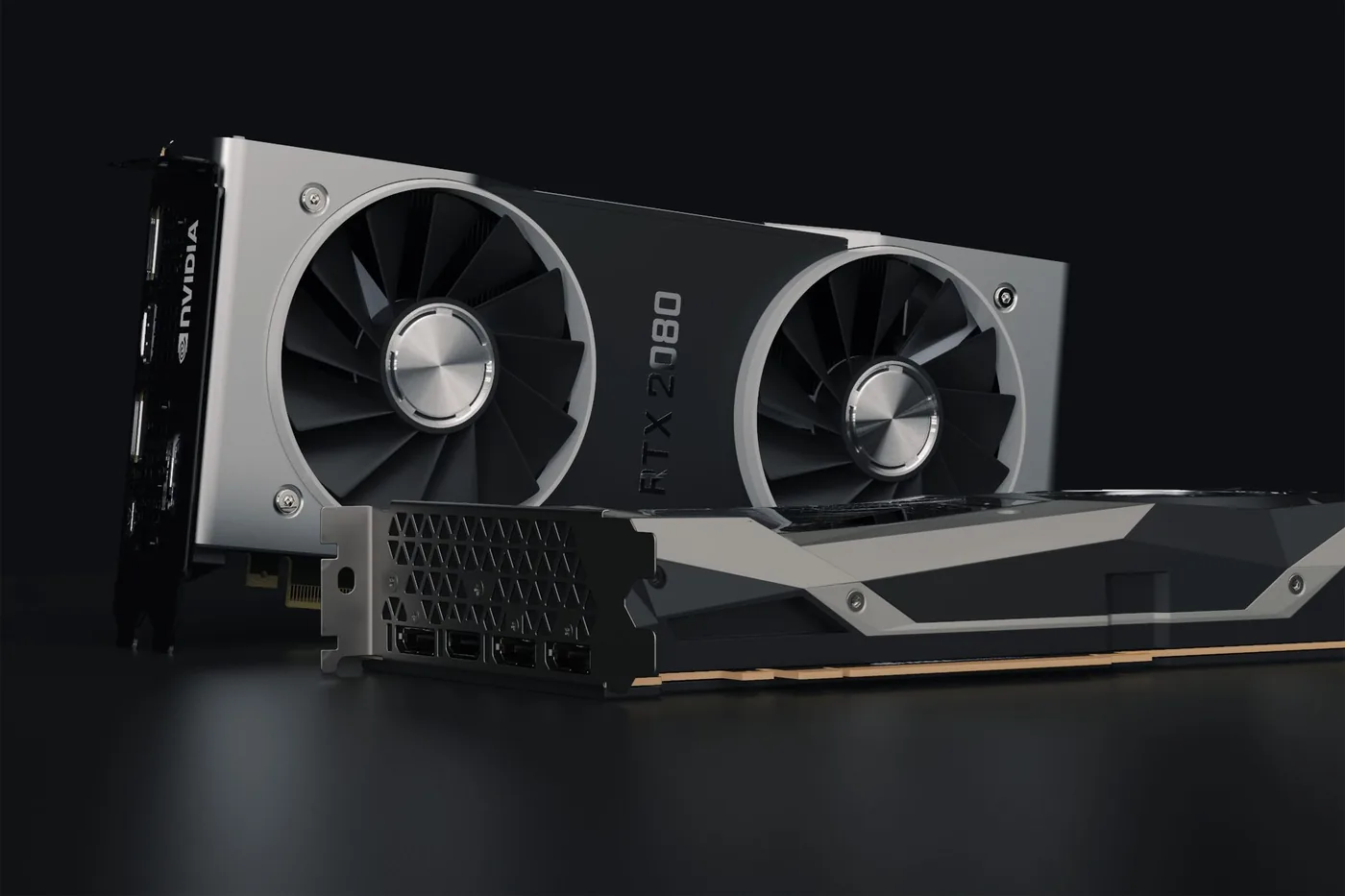

NVIDIA runs a catalogue of AI models at build.nvidia.com that anyone can call directly through an API. No GPU, no server and no invoice are required, an NVIDIA account and an API key are enough. I have been using this access since 13 November 2026 and measured how fast the models answer in German, what works beyond text and where the pitfalls are.
This matters to anyone looking for a free inference endpoint in Europe right now. Hetzner, for example, is shutting down its free inference experiment on 8 December 2026. Whether NVIDIA works as a replacement depends less on speed than on the trial terms, which is why they get a detailed section at the end.
What build.nvidia.com offers for free
The catalogue is broader than the landing page suggests. On 25 November 2026, NVIDIA’s function list reported 101 active public services. Around 90 of them are callable models, the rest are internal helper functions. Roughly grouped:
- Language models in the OpenAI format, such as NVIDIA’s own Nemotron family, Mistral Large 4, MiniMax M3.1, GLM 5.3 Flash, Kimi K3.1 Pro and Gemma.
- Image generators such as FLUX-3-Image-Klein and FLUX.1, plus TRELLIS for 3D models.
- Speech recognition and text-to-speech, including Parakeet, Whisper large-v3, Magpie TTS and Chatterbox.
- Translation, OCR and document analysis, such as Riva Translate, Nemotron OCR, PaddleOCR and models for tables and page elements.
- Domain models for biology, chemistry and simulation, for example protein structures or weather forecasting.
The chat endpoint itself listed 30 language models on the same day. On 13 November it had listed 83, on 17 November 32. The catalogue changes noticeably, with models being added and retired.
What a request looks like
After signing up at build.nvidia.com, you create an API key in your account. The language models follow the OpenAI format, so a request with curl looks like this:
curl https://integrate.api.nvidia.com/v1/chat/completions \
  -H "Authorization: Bearer $NVIDIA_API_KEY" \
  -H "Content-Type: application/json" \
  -d '{
    "model": "nvidia/nemotron-3.5-lightning-30b-a3b",
    "messages": [{"role": "user", "content": "Explain in three sentences what an e-invoice is."}],
    "max_tokens": 4000
  }'
In the OpenAI SDK it is enough to set base_url to https://integrate.api.nvidia.com/v1. In n8n you enter the same address in credentials of the OpenAI type, exactly as I described for Hetzner. Image generators have their own endpoints following the pattern https://ai.api.nvidia.com/v1/genai/<vendor>/<model> and return the image as a base64 JPEG. Speech recognition and text-to-speech run over gRPC at grpc.nvcf.nvidia.com:443, using NVIDIA’s Python package nvidia-riva-client with the model’s function ID in the request header.
One setting deserves a generous value from the start, max_tokens. Many models reason before answering, and that reasoning counts against the limit. With 400 tokens, Mistral, Step and Nemotron Lightning returned empty text because the budget was used up on thinking. I have used 4000 ever since.
 Photo: Daniil Komov / Pexels
How fast the models answer in German
On the evening of 13 November 2026, I sent the same German question to eight language models and measured the time until the complete answer arrived, reasoning included. It is a snapshot, since load varies, but it shows the order of magnitude.
| Model | Response time | Impression |
|---|---|---|
| Laguna XS 2.1 (Poolside) | 1 s | coding model, terse answers |
| Nemotron 3.5 Lightning 30B | 5 s | fast, good German |
| Nemotron 3 Ultra 550B | 7 s | large yet fast, good German |
| MiniMax M3.1 Flash | 16 s | good German |
| Mistral Large 4 | 25 to 246 s | good German, speed varies widely |
| Muse Glimmer 30B (Meta) | 57 s | good German, slow |
| gpt-oss-20b (OpenAI) | 61 s | usable |
| GLM 5.3 Flash | 127 s | good German, very slow |
Nemotron 3 Ultra stands out. The model has 550 billion parameters, 55 billion of which are active per token. Even so, it answers faster than some much smaller models. For German text it is the model I reach for first in my tests.
How much reasoning drives response time is something I measured on 18 November with a short judgement task. Each case had around 1,700 input tokens, 40 cases in total with a known correct answer. With reasoning, Nemotron 3 Ultra needed 70 to 150 seconds per case and was right most often. Without reasoning it answered in 3.5 seconds but was wrong noticeably more often. Lightning without reasoning took 1.2 seconds. Reasoning is switched off with "chat_template_kwargs": {"enable_thinking": false} in the request body. An instruction such as /no_think in the system prompt has no effect.
With long inputs, reasoning becomes the real problem. With 31,000 input tokens, Ultra took 720 seconds and wrote 10,500 tokens, most of them reasoning. At around 100,000 input tokens it kept thinking until it hit the limit of 32,000 output tokens and returned no text at all. For mechanical tasks such as reformatting or proofreading I therefore switch reasoning off, for analysis I leave it on.
 Photo: RUN 4 FFWPU / Pexels
Images, speech and translation
Text to image. FLUX-3-Image-Klein produces a photorealistic image in 5 to 11 seconds, including widescreen at 1344 by 768 pixels and with German prompts. Three images in parallel ran without errors. Editing your own photos is not possible on the free tier, the editing models only accept NVIDIA’s sample images there.
Speech recognition. The best German model in the catalogue is Parakeet TDT 0.6B. On 28 minutes of German dictation it was as close to the consensus of all transcripts as Gemini and a locally run Whisper large-v3, at roughly 15 times real time. The hosted Whisper large-v3, by contrast, only transcribes a window of about 30 seconds per request, so longer chunks lose words.
Text-to-speech. Magpie TTS Multilingual and Chatterbox Multilingual both speak German. Magpie generated 8 seconds of audio in 1.1 seconds of compute, Chatterbox 7 seconds in 4 seconds.
Translation. Riva Translate 4B translates a sentence in 0.5 to 0.7 seconds, and Portuguese and English came out cleanly in German. The target language has to be in the user message, for example “Translate the following text into German”. When it was only in the system prompt, the output came back in English.
OCR. Nemotron OCR v2 and PaddleOCR read a page in under a second but drop umlauts, so the German word for bakery came back misspelled. For German documents, giving the photo directly to the vision model Nemotron 3.5 Super VL worked far better than extracting text first and passing it to a language model. It needed a median of 12 seconds per page.
Understanding audio. Nemotron 3 Nano Omni accepts audio and video and describes instruments, genre and mood accurately. It is no use as a quality judge, though. A clip I had filtered so heavily that the vocals were practically unintelligible was rated “clearly intelligible” with “crisp highs”.
What stands out in day-to-day use
A few things cost me time in the first two weeks. All of them come down to this being a trial service.
A model listed in the catalogue is not necessarily enabled. Kimi K2.6 and Nemotron 3 Super appeared in the model list but returned 404 for my account. Qwen-Image is in the catalogue as well, but only offered as a container to run yourself.
Models disappear without notice. DeepSeek V4.1 Flash returned HTTP 410 on 17 November with a note that it had reached its end of life, as did the older OCR model nemoretriever-ocr-v1.
The API changes. Since 20 November, FLUX-3-Image-Klein rejects the seed parameter with HTTP 422, which it used to accept.
On 13 November, several models ran into timeouts beyond 300 seconds, including FLUX.1-dev and FLUX.2-klein. Load may have been the cause.
Limits are not documented. Responses carry no information on quota or rate limits. With one key, six simultaneous requests triggered HTTP 429. Users in NVIDIA’s developer forum report 40 requests per minute, but I could not find an official figure.
What the trial terms mean for a business
Every service on build.nvidia.com is governed by the NVIDIA API Trial Terms of Service. I read the version available there on 25 November 2026. Five points decide whether it fits a business.
Testing and evaluation only. Section 1.2 grants access explicitly for limited trial purposes and without using the service or generated content in production. Section 1.4 repeats this. Without a subscription from NVIDIA or a service provider, only internal testing and evaluation is allowed.
No personal data. Sections 2.6 and 4.3 exclude confidential information, personal data and health or financial data unless a service explicitly permits it. NVIDIA also states there that it does not represent its servers as appropriate for such data. That alone rules out customer data on the free tier.
Inputs may feed model development. Section 2.3 says NVIDIA generally does not store or use inputs and outputs after a session ends. Section 3.3, however, explicitly lists user content and generated content among the data NVIDIA collects, without identifying specific users, to improve its products including AI models. NVIDIA also logs usage for security and abuse monitoring.
Generated content stays internal. Section 4.2 prohibits selling, distributing or making generated content available to others. An image for a website or a text for customers falls under this.
Disputes go to California. Section 14 provides for arbitration in Santa Clara County.
 Photo: RDNE Stock project / Pexels
In practice, this makes the service well suited for comparing models, building prototypes with test data and checking whether a model handles German before committing to it. It is not meant for a website chatbot, transcribing real customer calls or images for publication.
For production there are two routes. One is a subscription. According to NVIDIA’s licensing guide, NVIDIA AI Enterprise costs 4,500 US dollars per GPU per year, or 1 US dollar per GPU hour on top of the instance in cloud marketplaces (as of 25 November 2026). The other route is running the open models yourself. Many are published under open licences on Hugging Face, Parakeet TDT 0.6B v3 for example under CC-BY-4.0 and explicitly cleared for commercial use. If you would rather not buy hardware, there are providers with data centres in the EU, which I compared in a separate overview. What free AI APIs are generally allowed to do with your inputs is covered in my article on data usage.
If you want to use a model from NVIDIA’s catalogue in your business and would like to know how to run it properly beyond the trial, feel free to get in touch.
FAQ
Is the API on build.nvidia.com really free?+
Yes, as a trial. NVIDIA provides the hosted models under its API Trial, and all you need is an NVIDIA account and an API key. The trial terms reserve the right to apply quotas, credits and a limited duration, but NVIDIA does not publish fixed limits. In my tests, six simultaneous requests with one key triggered HTTP 429 errors. Production use requires a paid subscription.
Can a company use the free NVIDIA API in production?+
No. Sections 1.2 and 1.4 of the NVIDIA API Trial Terms limit use to internal testing and evaluation and exclude using the service or its generated content in production. Sections 2.6 and 4.3 exclude personal data and confidential information unless a specific service permits it. Production requires a subscription such as NVIDIA AI Enterprise, or running an open model yourself.
Which NVIDIA models respond fastest in German?+
In my measurement on 13 November 2026, Nemotron 3.5 Lightning answered in 5 seconds and Nemotron 3 Ultra in 7 seconds, both in good German. Laguna XS 2.1 was fastest at one second, but it is a coding model with terse answers. GLM 5.3 Flash and Muse Glimmer needed 127 and 57 seconds. Times vary with load, Mistral Large 4 ranged from 25 to 246 seconds.
What does NVIDIA do with data sent to build.nvidia.com?+
Section 2.3 of the trial terms says NVIDIA generally does not store or use inputs and outputs after a session ends. Section 3.3, however, explicitly lists user content and generated content among the data NVIDIA collects, without identifying specific users, to improve its products and AI models. Usage is also logged for security and abuse monitoring. The free tier is therefore not meant for customer data.
Which API format does build.nvidia.com use?+
The language models use the OpenAI format at https://integrate.api.nvidia.com/v1, so an existing OpenAI SDK or an n8n workflow only needs a different base URL, a key and a model name. Image generators have their own endpoints under ai.api.nvidia.com, while speech recognition and text-to-speech run over gRPC with NVIDIA's Riva client.
Want to know more?
In a free intro call we look at how you can put these topics to work in your company and what is worth it for you.
Book a free intro call